Contacts on mobile now faster to navigate, consistent design, and easier to manage.
What's Updated
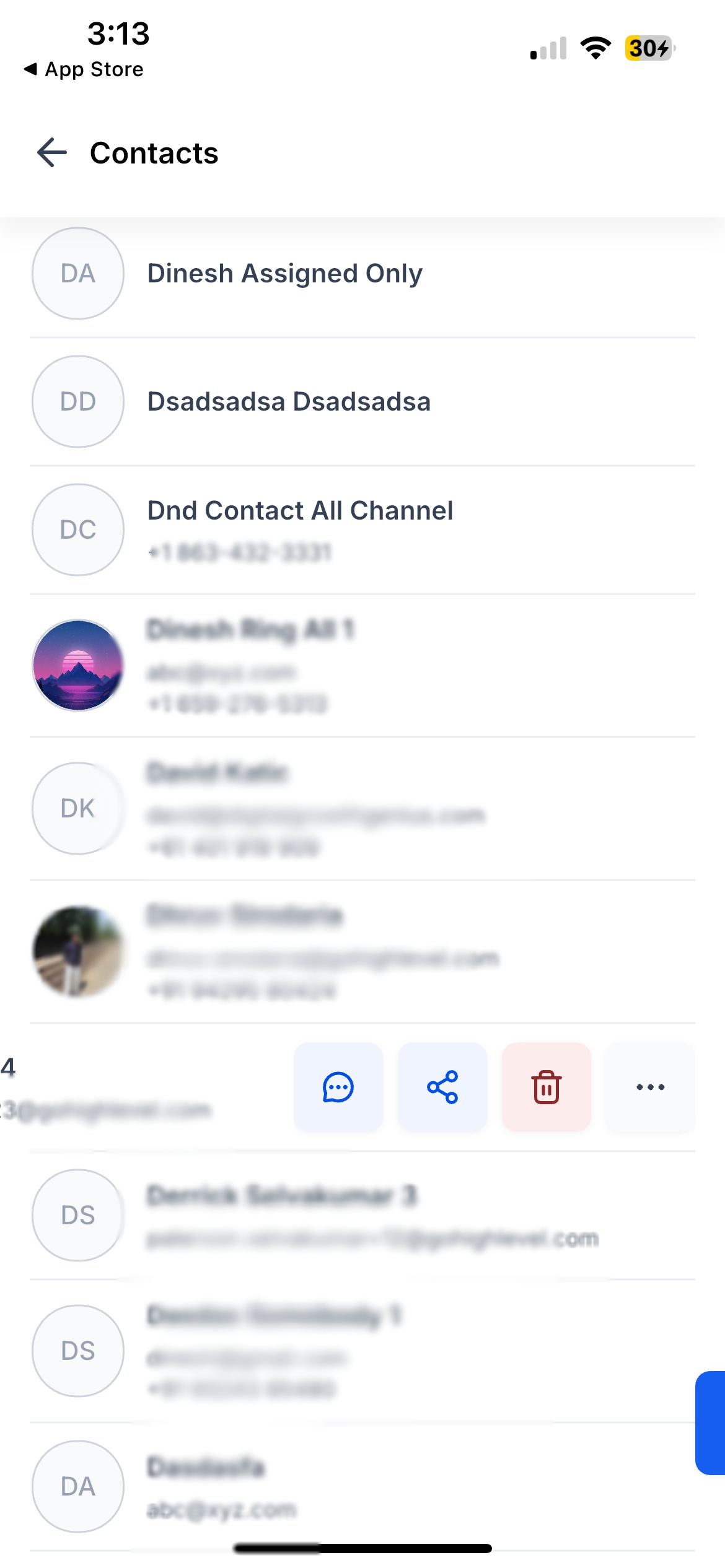
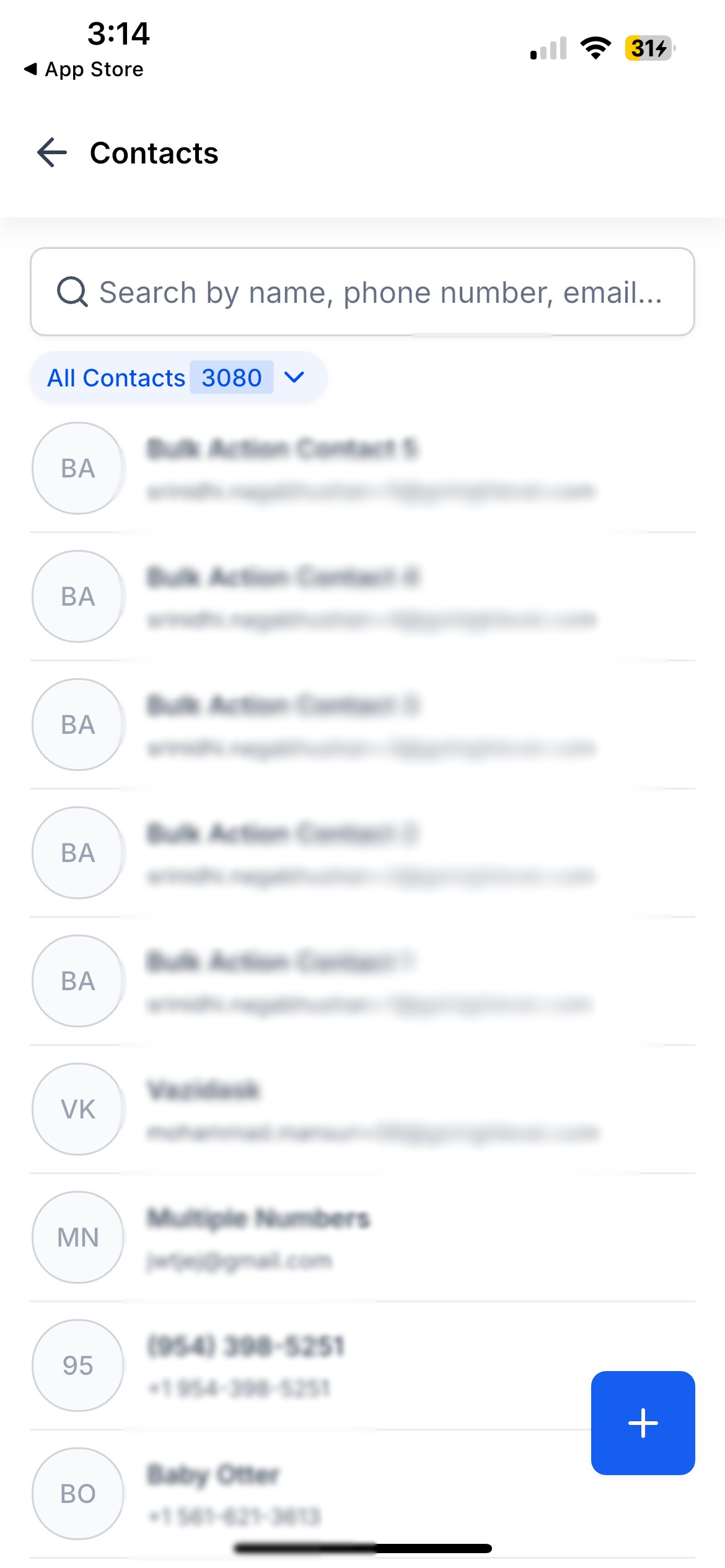
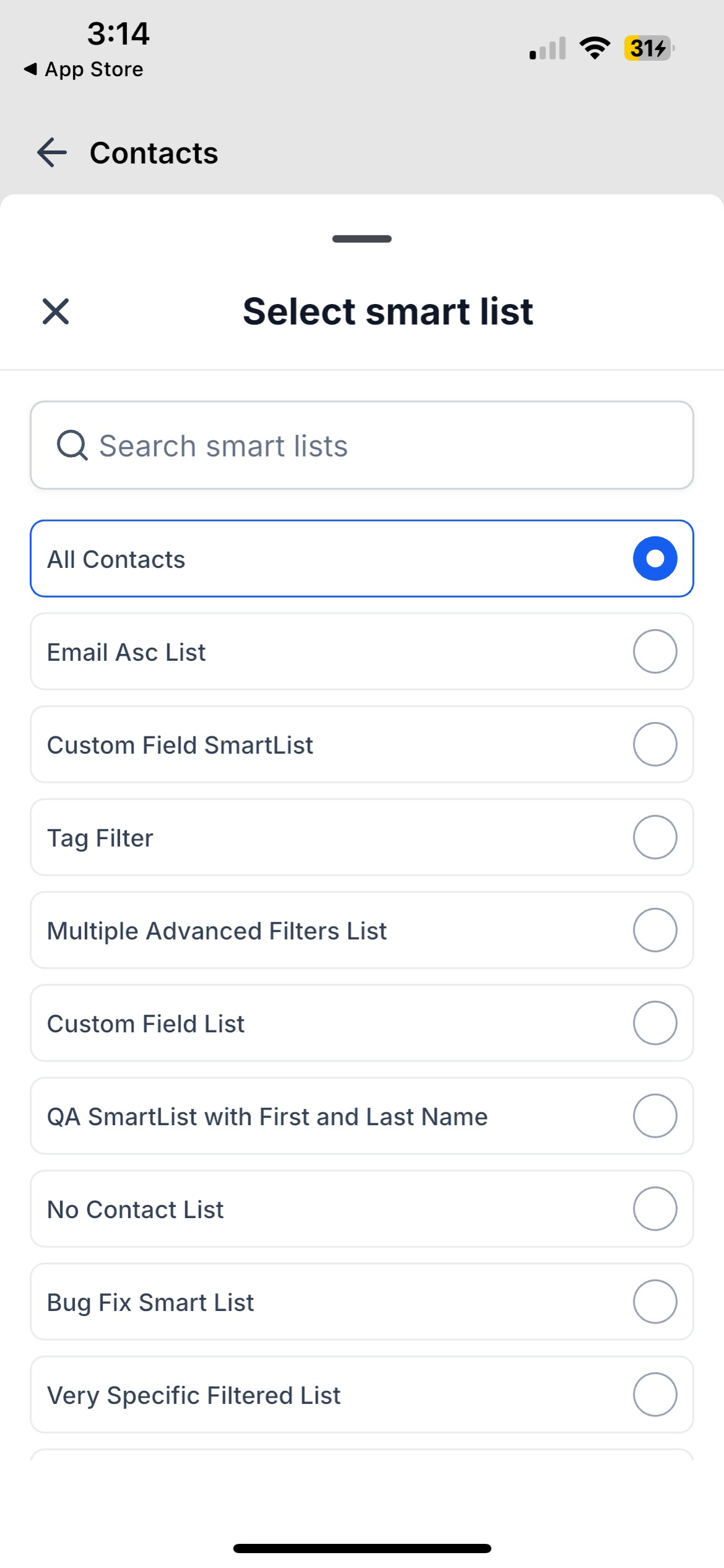
- Contact list - New header, search, smart list picker, swipe actions, and refreshed empty states
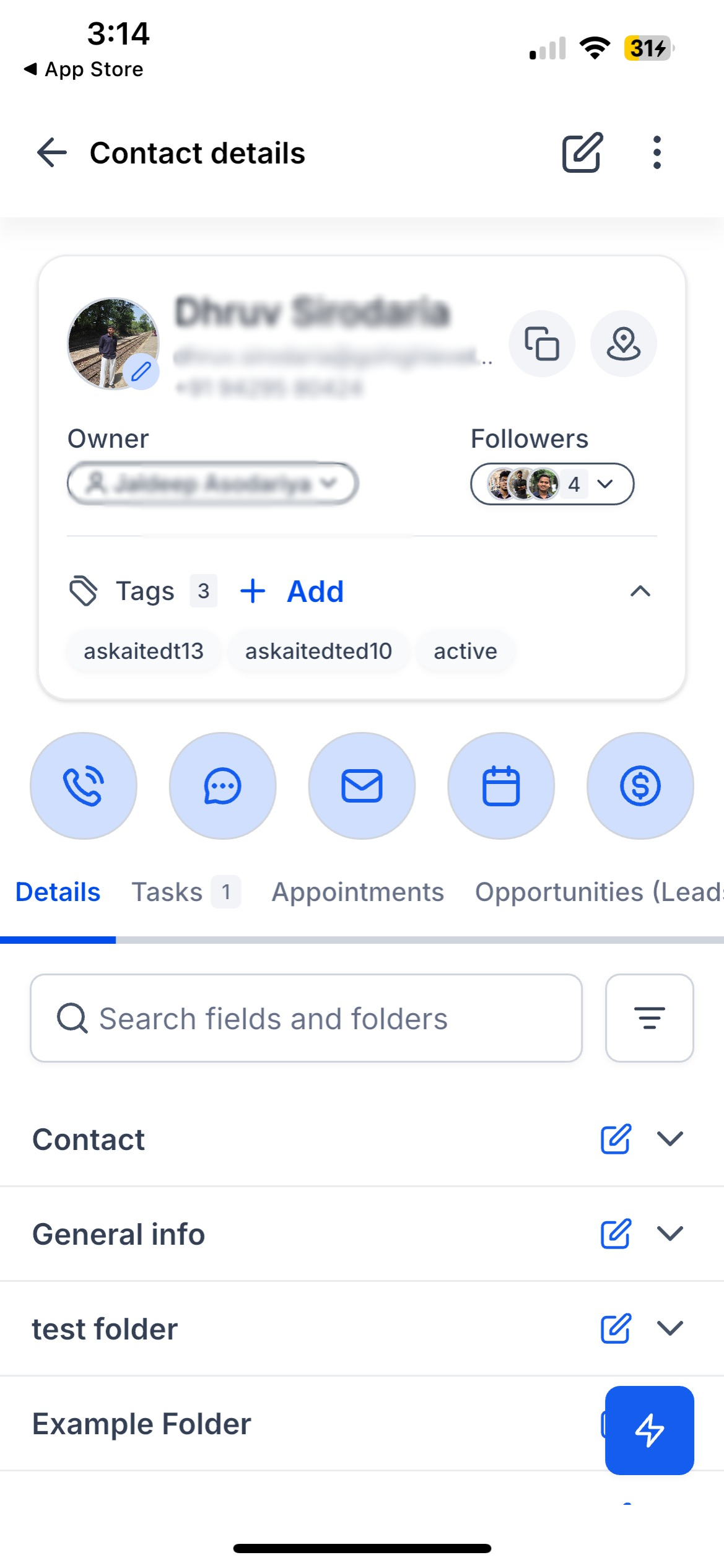
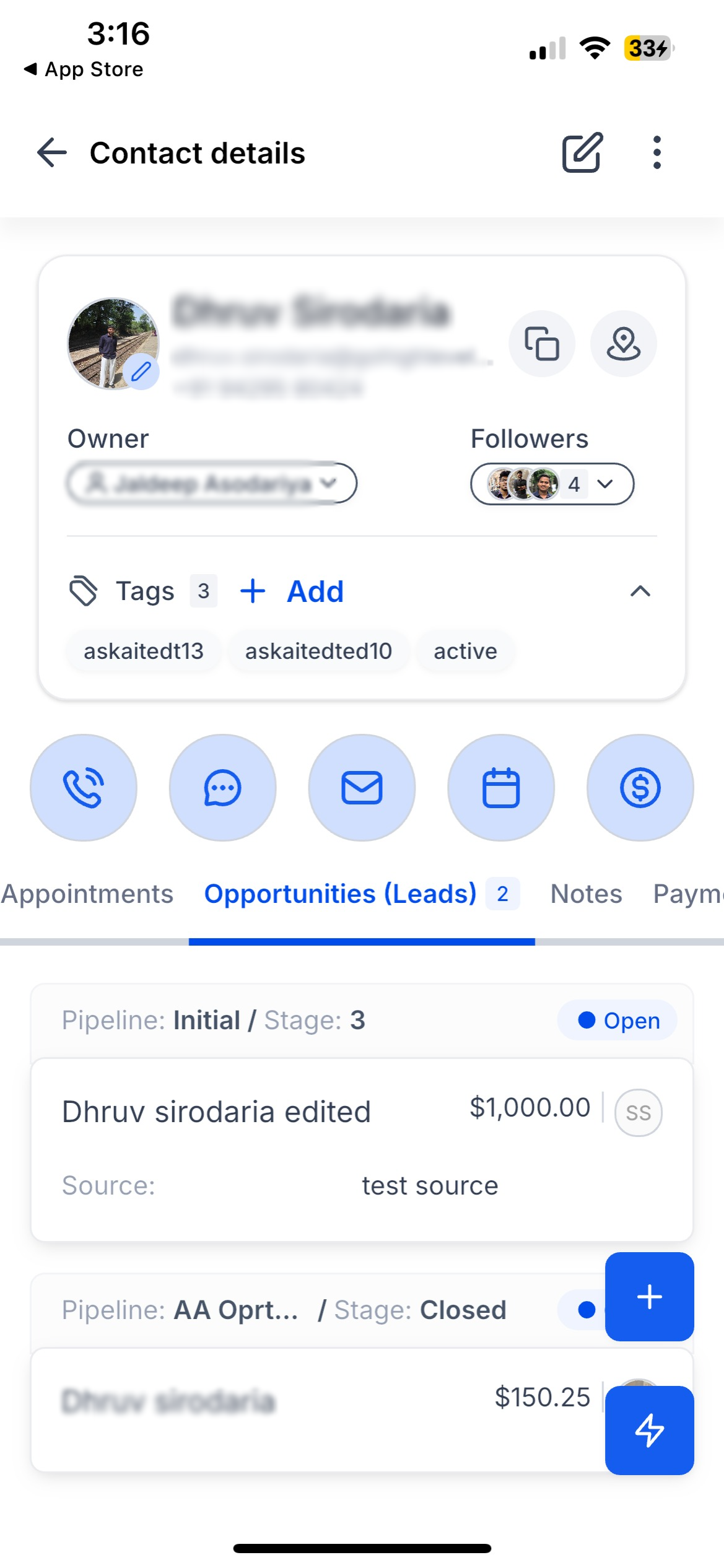
- Contact card - Redesigned profile card with avatar, owner, followers, and tags in one scannable layout
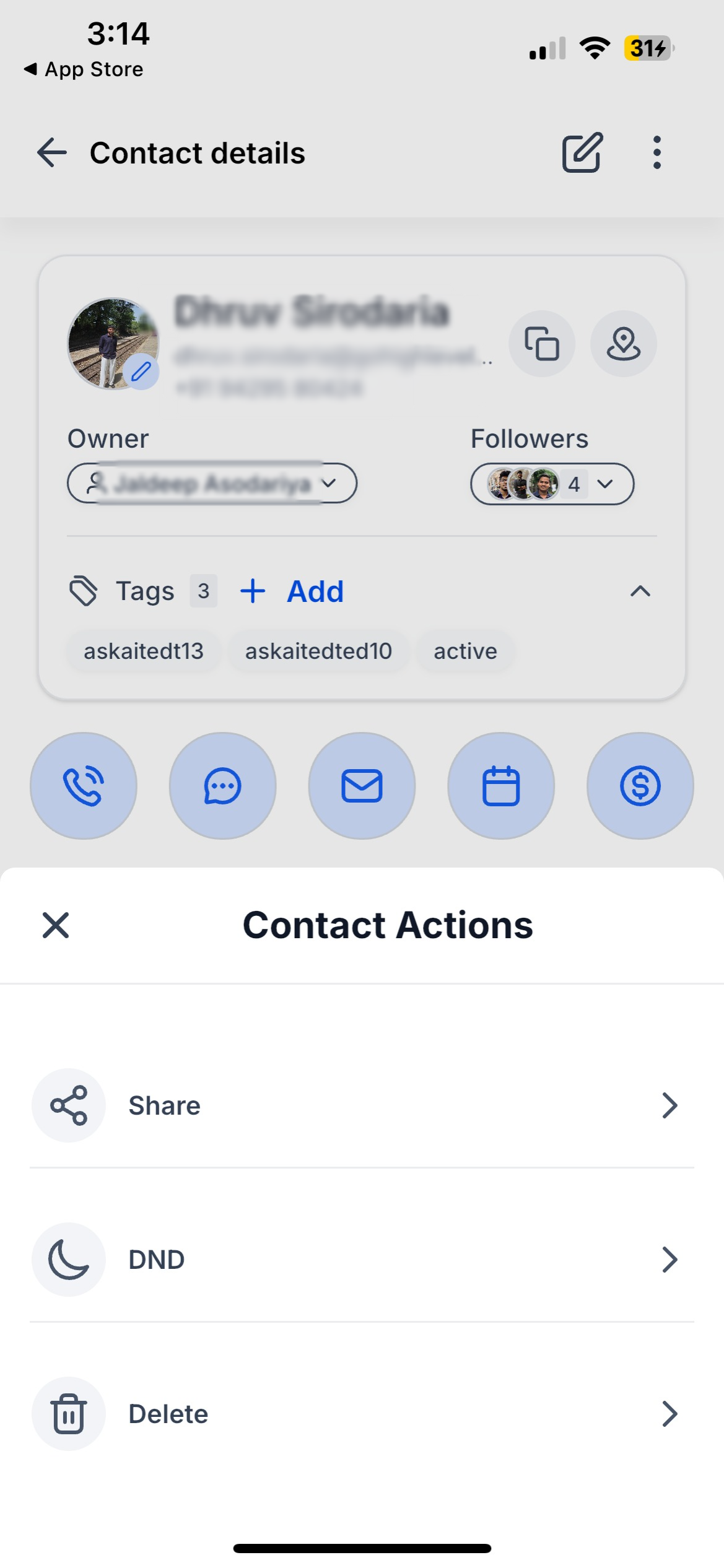
- Profile header - Edit button front and center (one tap) plus a menu for Share, Do Not Disturb, and Delete
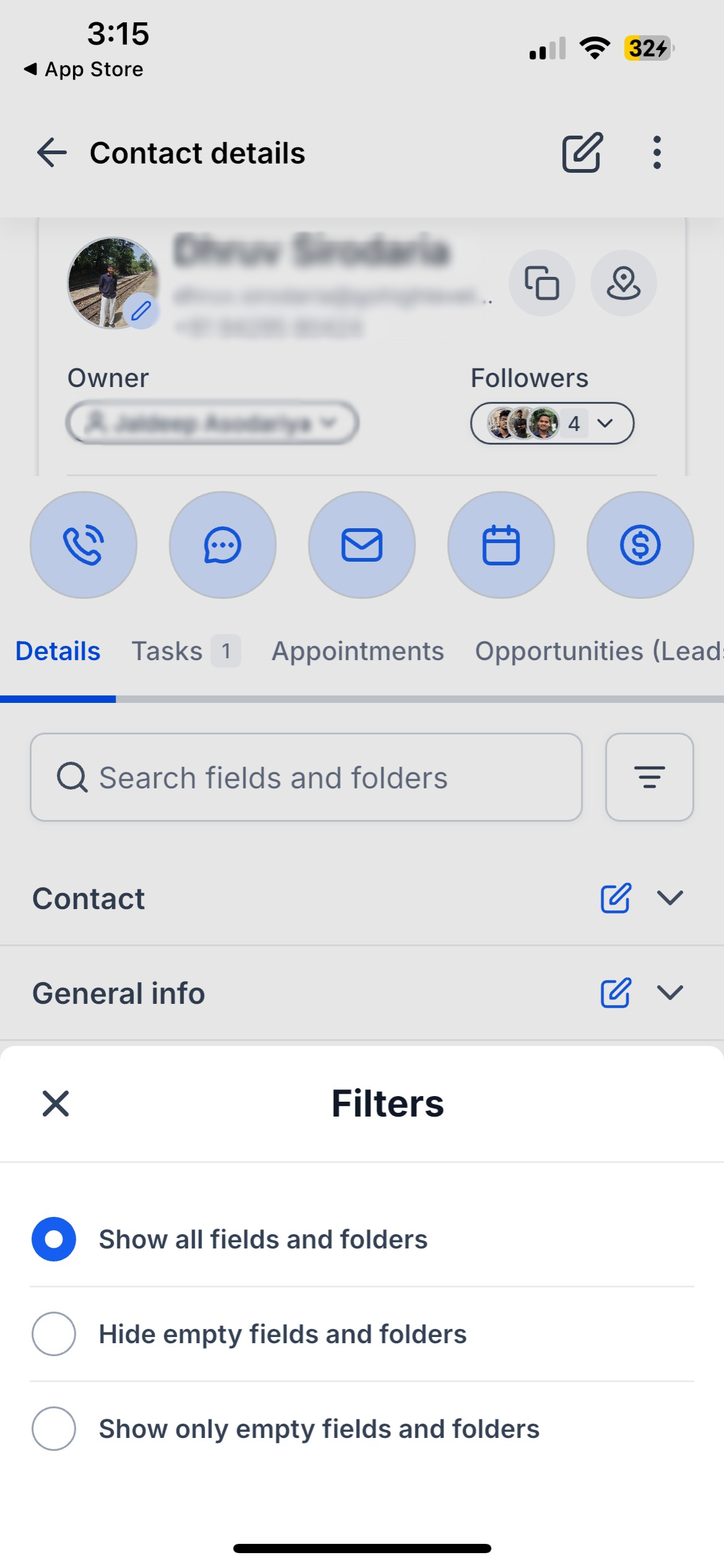
- Details tab - Search within fields and folders; filters to show all, hide empty, or show only empty; inline editing
- Folder structure - Expandable folders with tap-to-edit on any field, search highlighting, and copy/map actions
- Contact tabs - Activity, Tasks, Notes, Appointments, Payments, Docs & Files, and Opportunities all updated; Tasks and Opportunities show counts on tabs
- Create & edit - Refreshed forms, tag editor, Do Not Disturb settings, automations, and profile photo options
- List interactions - Swipe for Call, Message, Share, Delete, and More (copy name, email, phone, address, or all details)
How this helps you
- Edit is one tap away - no more digging through menus
- Swipe to act from the list - Call, message, share, or copy without extra steps
- See what needs attention - Task and Opportunity counts on tabs show what's pending
- Find fields faster - Search within a contact and filter to show or hide empty values
- Copy and map without friction - Tap fields to copy; open addresses in Maps
- Folders flow into editing - Expand and edit custom fields without losing context
- Profile photo on your terms - Add, update, or remove from camera or gallery
- Everything matches the app - List, profile, edit flows, and tabs all use the same design
How to Get Started
Open Contacts, browse or search, swipe left for quick actions, tap a contact to view the profile, and use the Edit button in the header. Tap any field under Details to edit inline, use the menu for additional options, and customize what you see with search and filters.
What's Next
Contact customization:
will now be respected soon on the mobile app, which respects the fields you want to hide and order to tabs shown - once set up on web will flow seamlessly on mobile app too.Available now on iOS and Android.
Roll-out & Availability
| Available Version | 4.19.1 (build 833) |
| Status | Public |
| CRM | ✅ |
| WL App | ✅ |
| Platforms | iOS & Android |
Was this article helpful?
That’s Great!
Thank you for your feedback
Sorry! We couldn't be helpful
Thank you for your feedback
Feedback sent
We appreciate your effort and will try to fix the article